I’ve wanted to make games for a long time. Not in a vague, someday kind of way. I mean I’ve had ideas, notebooks full of them, and zero shipped games to show for it.
So I made a plan. Instead of jumping straight into the game I actually want to make, I’d build four small games first. One every two months. Each one teaching me something specific. By the end I’d have the skills, the habits, and the confidence to actually finish something and ship it.
This is the story of Game 1. One week in.
Why Picross? #
I needed a game that was:
- Scoped. No feature creep. A picross game is a picross game: there’s a grid, there are clues, you solve it.
- Mechanical. I wanted to spend my time learning Godot, not designing systems.
- Rewarding to build. Every puzzle you solve reveals pixel art. That felt worth making.
Picross (also called nonograms) are logic puzzles where you fill in a grid based on number clues along each row and column. The numbers tell you how many consecutive filled cells are in each line. You figure out the rest.
Classic. Simple. Turns out, not as simple to build as I thought.
Where I Am After One Week #
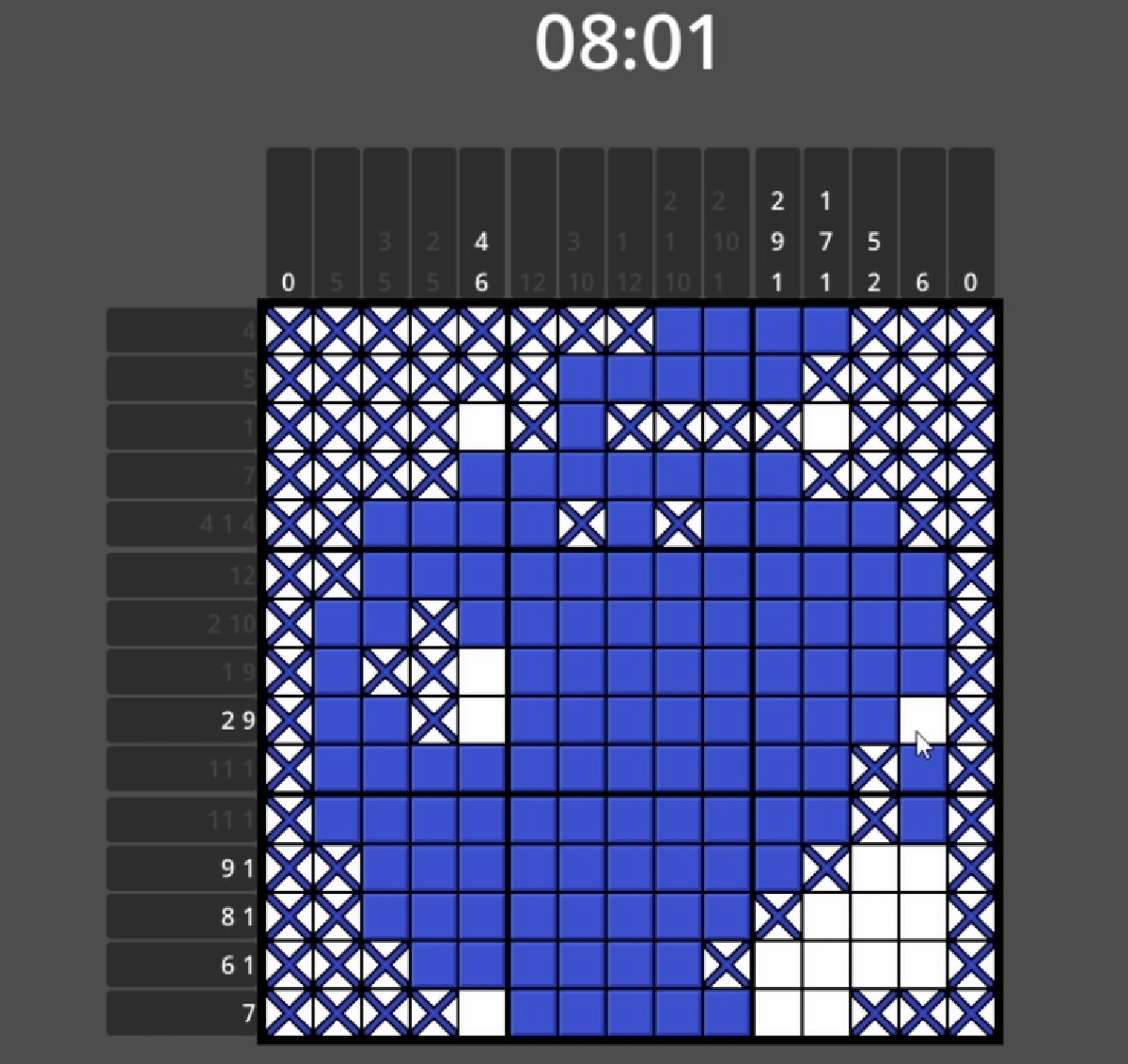
After one week of work, I’ve hit my first milestone: a playable prototype. Not a finished game, not even close. But something I can hand to someone and they can play it start to finish:
- A fully functional nonogram grid with fill, cross, and drag input
- Row and column clues that generate from puzzle images
- A solve detection system
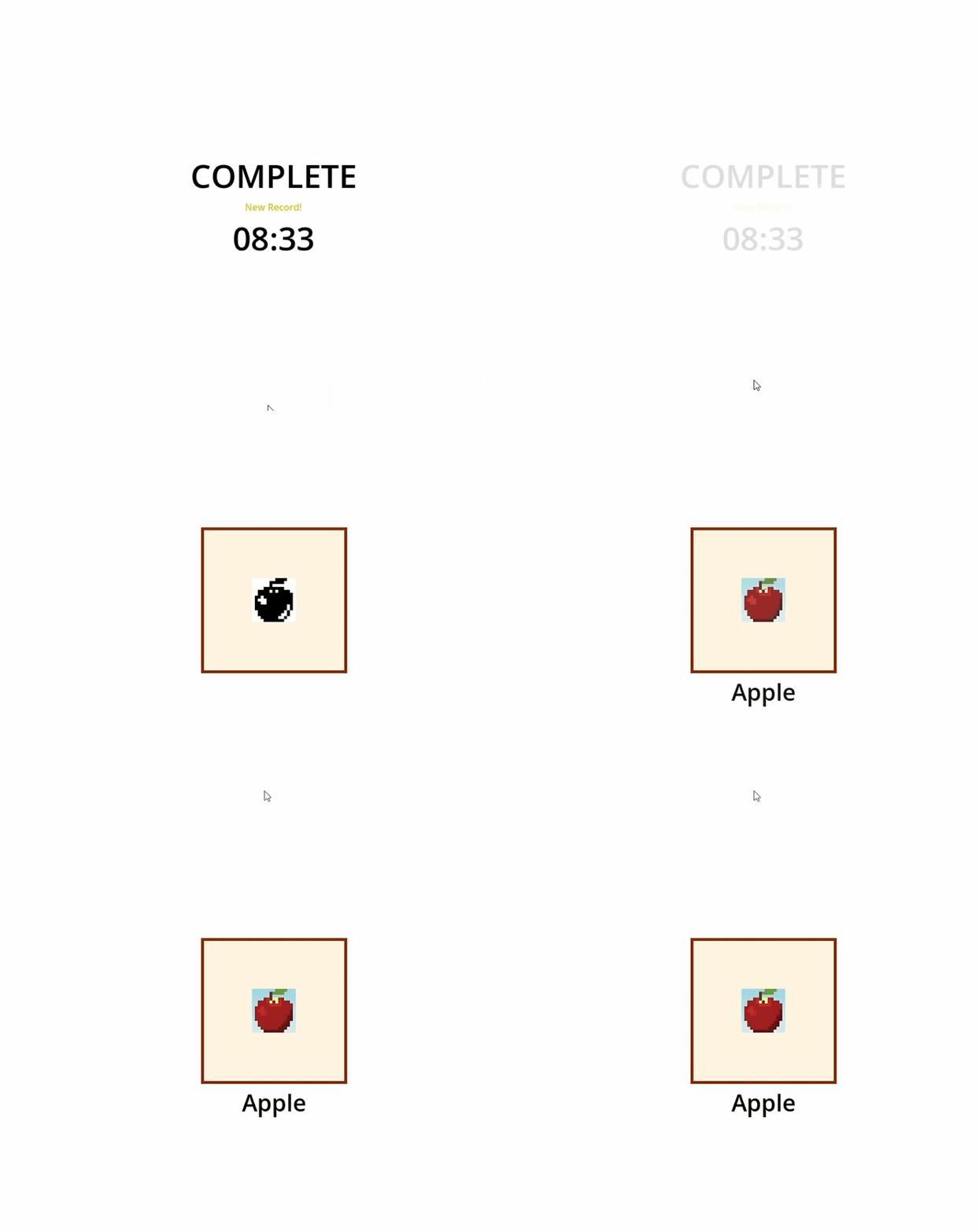
- A completion screen that reveals the pixel art
- A timer
It’s rough. The art is placeholder. There’s one puzzle. But the core loop works, and I built every piece of it. That matters more than I expected it to.
The game still needs a lot of work before it’s actually finished. But having something playable this early in the process means the foundation is solid enough to build on.
What I’ve Already Learned #
1. Input is harder than it looks #
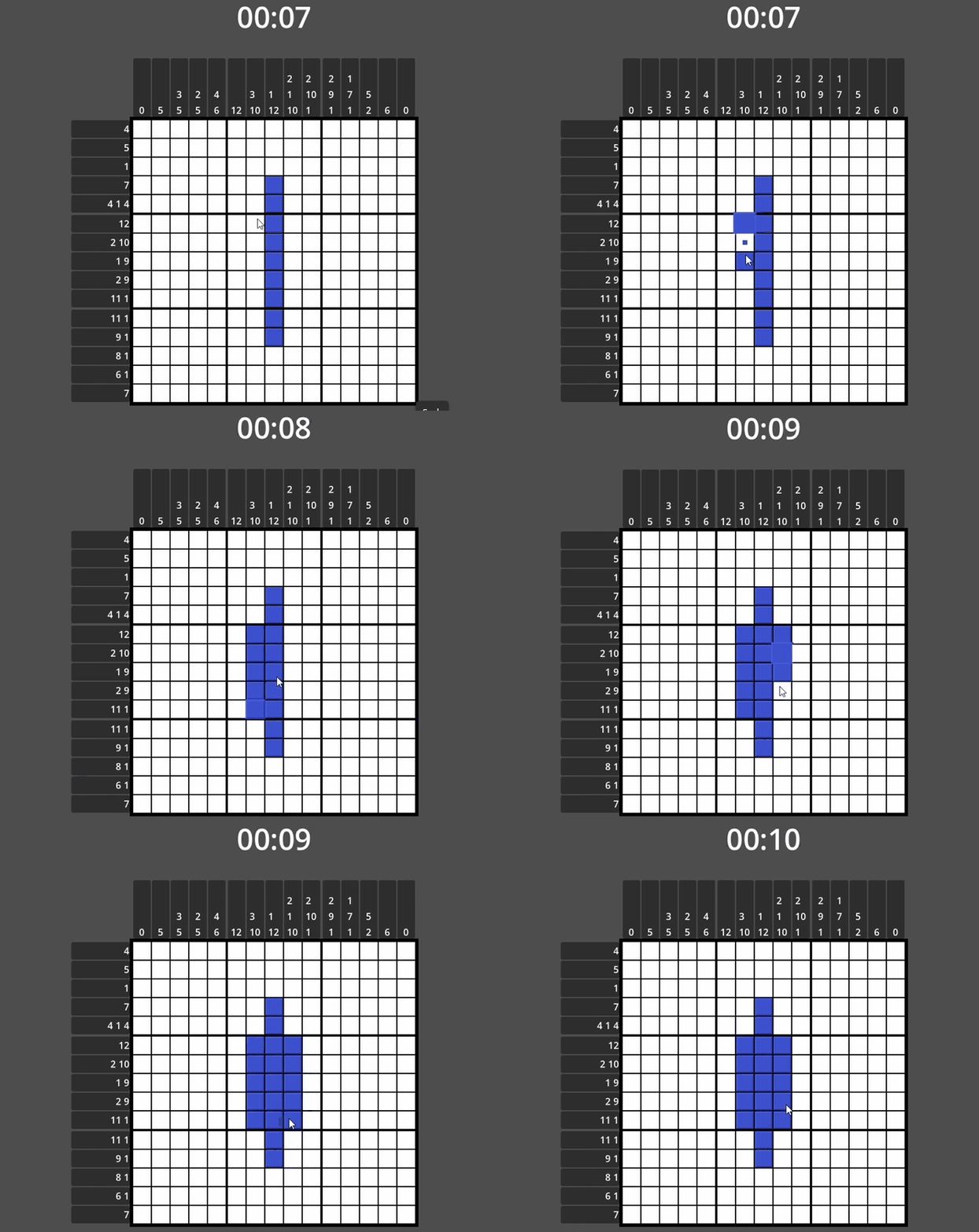
The first version of drag input used Godot’s mouse_entered signal on each cell’s collision area. Move the mouse slowly: works great. Move it quickly: cells get skipped. The signal only fires when the mouse physically enters a node’s collision area, and at high speeds it can jump over cells entirely.
The fix was to stop relying on signals for drag detection and handle everything in _process. Every frame, I calculate which cell the mouse is over directly from its position, then fill all cells between the last visited and the current one. No gaps, no skipped cells.
I also added axis locking. Once you start dragging in a direction, you’re committed to that row or column. It prevents accidental diagonal fills and makes the game feel much more intentional.
2. Animation and state don’t mix well by default #
When you fill a cell, it plays a little pop animation. Satisfying. But early on, you could right-click a cell mid-animation and cross it out while it was still filling. The state would change but the animation would finish on top of the new state. Looked broken.
The fix was a single guard at the top of the state setter: if the animation player is playing, ignore the input. One line. Took me longer to notice the problem than to fix it.
3. Generating clues from images is elegant #
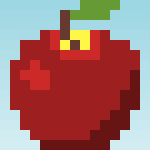

I was expecting to hand-code every puzzle’s clue numbers. Instead I draw the solution in Aseprite, export it as a PNG, and the game reads the pixel data at runtime to generate the clues automatically.
Each puzzle image has two frames side by side: the color art reveal on the left, the black-and-white solution on the right. The game reads the right half to build the clues and check the solution. The left half is the reward.
It means designing a puzzle is just drawing a picture.
4. The state machine I thought I needed, I didn’t #
Early on I added a node-based state machine plugin to manage each cell’s state (empty, filled, crossed). It worked, but it was a lot of infrastructure for a problem that didn’t need it.
Each cell has three states. The transitions are simple. A GDScript setter function (a function that runs automatically whenever you assign a variable) handled everything cleaner: play the right animation, update the display, emit a signal. No extra nodes, no extra files.
Sometimes the simple solution is the right one.
What’s Still Left to Build #
A playable prototype is a starting point, not a finish line. Game 1 still needs a lot before it’s a real game:
- Real puzzle art across four chapters
- Chapter select and puzzle select screens
- A gallery to view completed art
- Music and sound effects
- A proper itch.io release
I’ve got roughly seven weeks left on the two-month clock. Plenty to do.
Still Small Studios is a solo game dev studio. I’m building four games in eight months to learn before I build the game I actually want to make. Follow along.